Photo to laser-ready PNG
Choose the final width and DPI together so the exported pixel grid matches the intended engraving size.
Follow the complete photo workflowNow on the App Store for iPhone and iPad
Turn a photo into engraving dots, set the exact size, and export a PNG for LightBurn, xTool Creative Space, or your existing laser workflow.
Laser photo preparation app
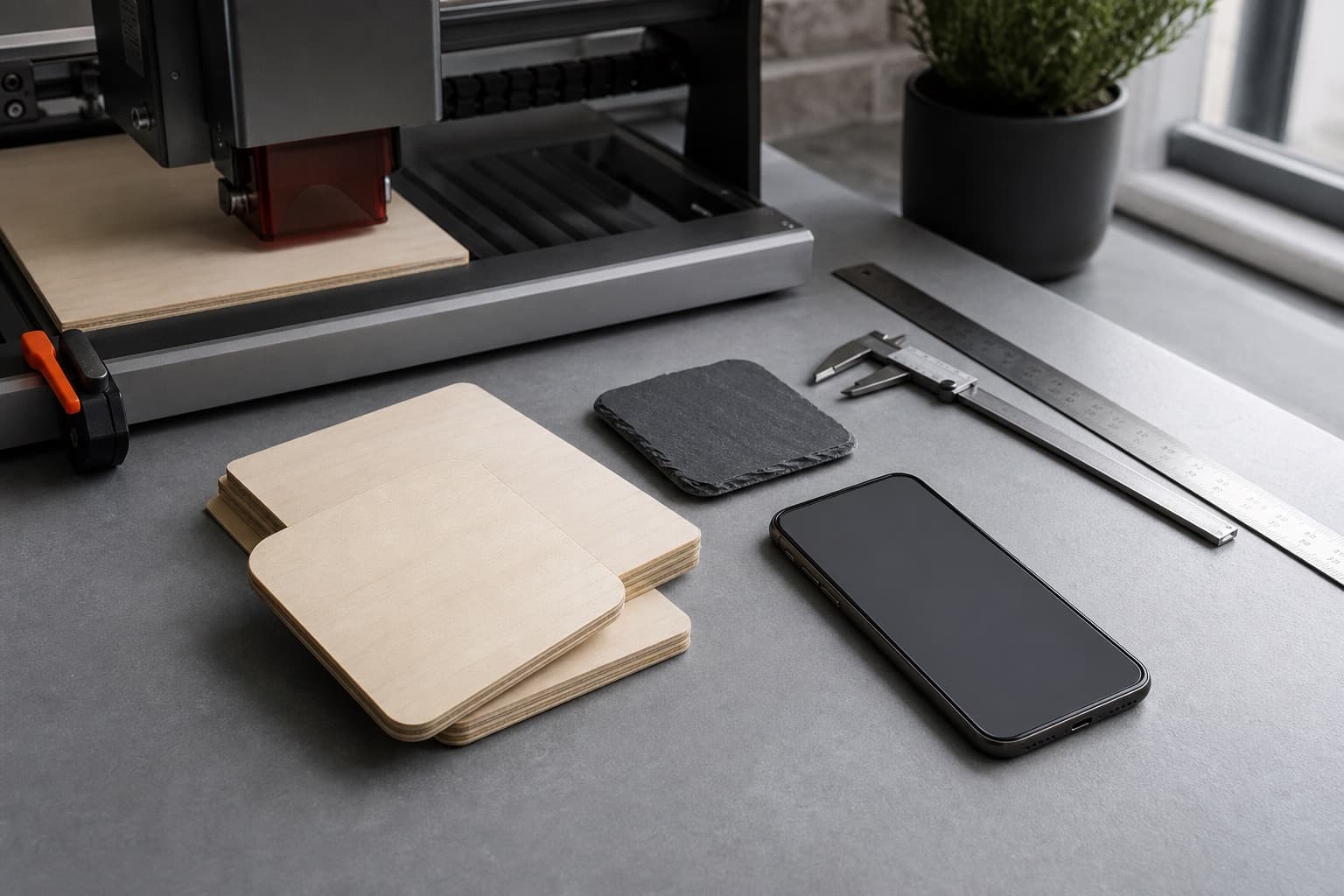
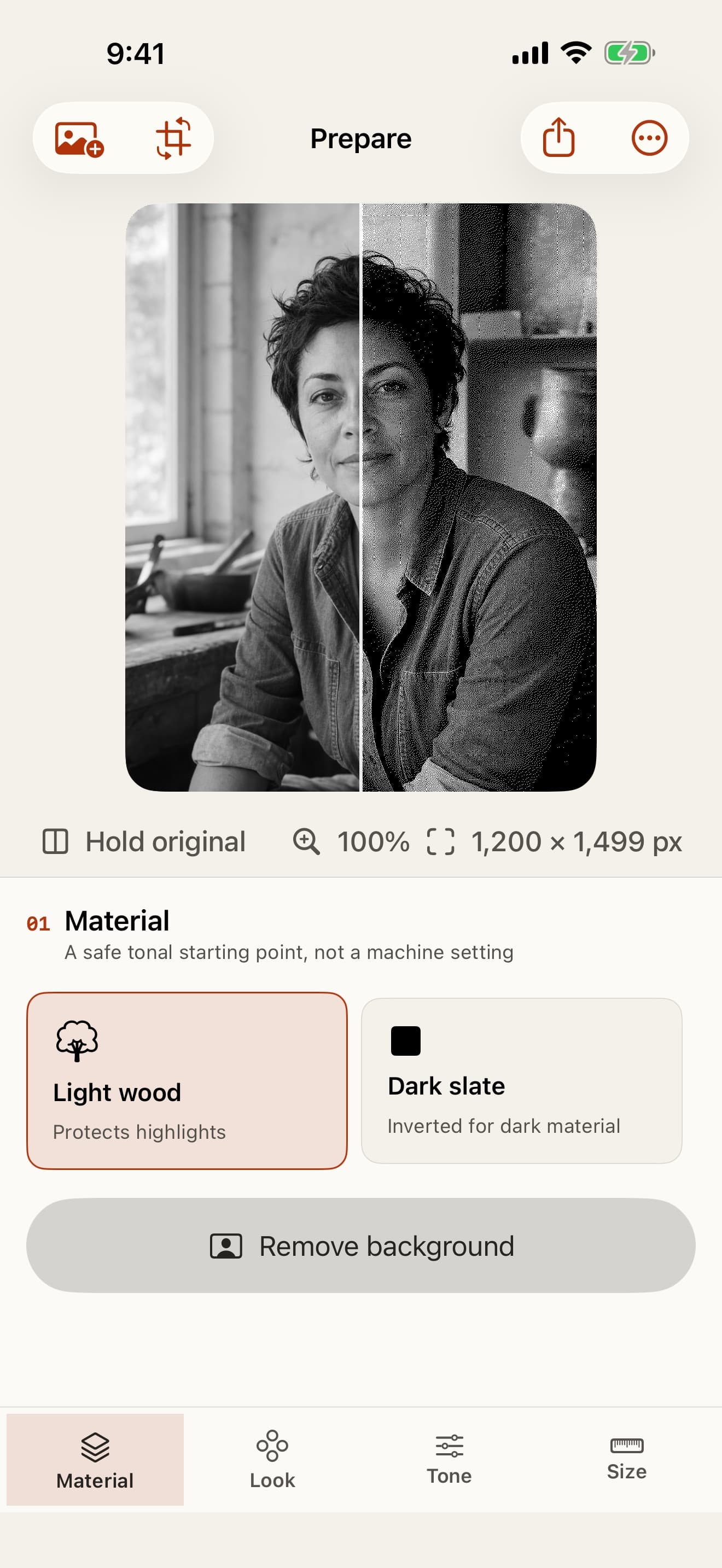
EngravePrep handles the image stage on iPhone and iPad: crop the subject, remove a distracting background, tune the tones, compare six one-bit dithers, and export a precisely sized PNG. The finished file moves into laser software for placement and the machine settings you test on the real material.
Choose the final width and DPI together so the exported pixel grid matches the intended engraving size.
Follow the complete photo workflowTransfer the original PNG without screenshots or message-app compression, then preserve the finished dots after import.
Use the LightBurn workflowUse the xTool Creative Space workflowCompare Floyd-Steinberg, Jarvis, Stucki, Atkinson, Bayer, and Threshold at the final output size.
Compare the dither methodsThe app prepares image pixels. Focus, power, speed, ventilation, and material safety remain part of your machine guidance and scrap test.
Diagnose a photo resultPrepare the crop, tones, dots, and final dimensions before the image reaches your laser software.
Compare six deterministic dithers at the final size before export.
Start with light wood, dark slate, glass, acrylic, coated metal, or Manual.
Set inches or millimeters and DPI, then verify the exact pixel dimensions.
Use every editing control free. Unlock personal exports once for $4.99.
Choose a built-in starting point or use Manual for another engravable material.
Protect highlights while preparing for a process that commonly creates a darker mark.
Invert the image signal for a surface where the engraved mark commonly appears lighter.
Start from an inverted tonal response for light marks on compatible glass or acrylic workflows.
Prepare an inverted image for compatible processes that remove or change a surface coating.
Use Manual for neutral image controls without built-in material assumptions.
Material choices shape the image and polarity. Focus, speed, power, ventilation, and safe operation still require your machine guidance and a scrap test.
Every stage stays reversible until you create the full-resolution PNG.
Compare every method at the same final size, inspect the real one-bit pixels, and choose the pattern that fits the photo and material.
Understand laser ditheringRead our six-dither benchmark methodBalanced
More detail
Smooth portrait
Holds highlights
Crisp pattern
Graphic contrast
EngravePrep works without an account or backend. Photos, projects, and presets remain in the app container on your device.
Read the privacy policyTry every editing control free, then unlock personal full-resolution exports once for $4.99. No subscription.
