10W vs 20W vs 40W: Choosing a Laser for Photo Engraving
Choosing between a 10W, 20W, and 40W diode laser? Here's what to look for when you want to engrave photos, cut your own blanks, or do both.
EngravePrep field guide
Learn what happens before the laser moves, where the image workflow ends, and which variables still need a material test.
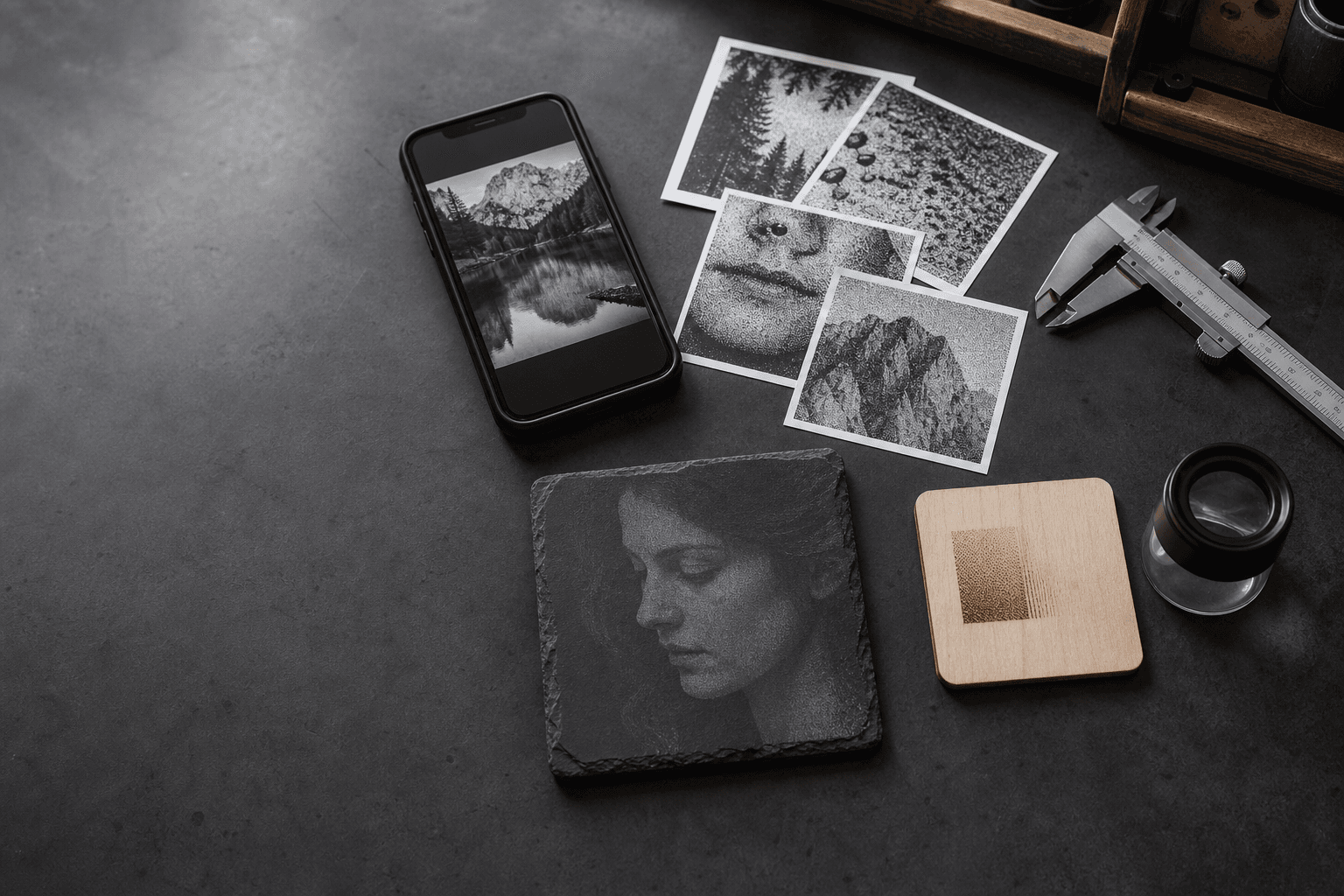
New to photo engraving? Follow one image from source selection through final-size dither, handoff, and scrap testing.
Read the workflowOpen research protocol
Review the fixed-source, final-size, physical-engraving, and blind-scoring method. The protocol is published; comparative physical results are not yet published.
Interactive check
Trace dark, blurry, inverted, resized, or altered output through the file, software handoff, and physical burn.
6 guides
Choosing between a 10W, 20W, and 40W diode laser? Here's what to look for when you want to engrave photos, cut your own blanks, or do both.
A complete, machine-neutral workflow for choosing, cropping, tuning, dithering, sizing, inspecting, and testing a laser engraving photo.
Understand how one-bit dithering represents photo tones, how common algorithms differ, and how to choose without processing the image twice.
Learn the DPI and line interval relationship, calculate output pixels, avoid overlapping scan lines, and preserve exact size in a photo workflow.
Compare Stucki, Jarvis, and Floyd-Steinberg with computed one-bit PNG examples, matching detail crops, and practical checks for laser photo preparation.
Choose the right laser engraving image format for photos, logos, and finished dithers, with practical PNG, JPG, and SVG handoff guidance.
4 guides
Export a prepared PNG from EngravePrep on iPhone, transfer the original file, preserve its dimensions in LightBurn, and verify the handoff before engraving.
A focused handoff guide for importing an externally dithered, one-bit PNG into LightBurn without applying another dither or changing its pixel pattern.
Remove or simplify a photo background for laser engraving while protecting hair, fur, edges, shadows, and the final dither.
Prepare a laser photo on iPhone, transfer the original PNG, import it into xTool Creative Space, and avoid resizing or dithering it twice.
4 guides
A careful photo-preparation workflow for slate, including polarity, contrast, dithering, sizing, and a controlled material test.
Prepare a laser engraving photo for wood by choosing a readable source, protecting highlights, sizing before dithering, and testing the actual blank.
Prepare photos for glass and compatible acrylic workflows with deliberate polarity, controlled tones, final-size dithering, and a material-specific test.
Prepare a photo for coated or anodized metal with deliberate polarity, restrained tone, final-size dithering, and a controlled material test.
1 guide
Diagnose a laser photo systematically by separating source-image, dither, resolution, focus, energy, material, and handoff problems.
Use the plain-language glossary for dither, DPI, gamma, polarity, raster, Pass-Through, and the rest of the photo workflow.